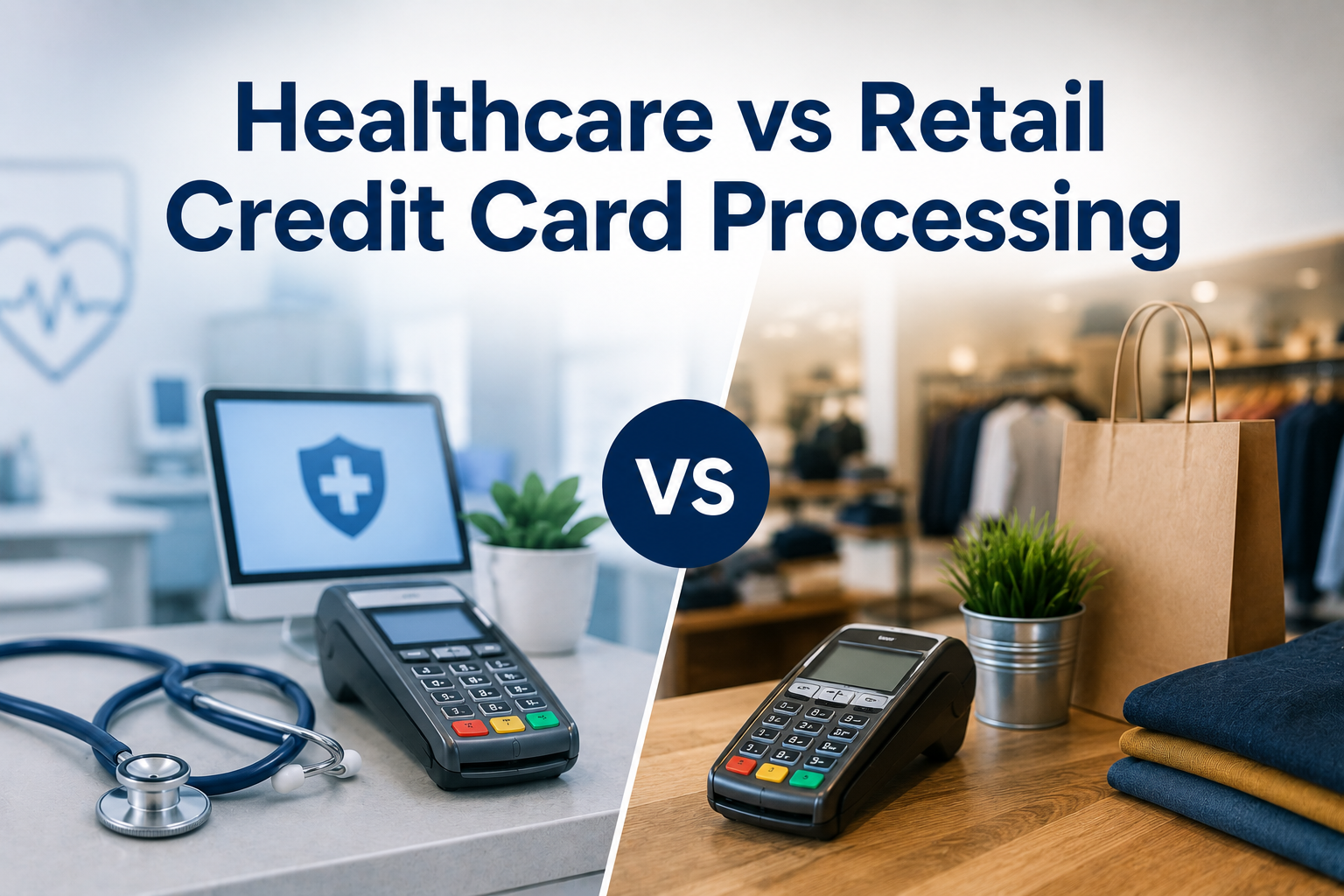
The difference between healthcare vs retail credit card processing is not a marketing distinction invented to justify higher prices. The two settings collect money in genuinely different ways, and a system designed for one tends to work badly in the other.
This matters because most merchant accounts sold to practices are retail products with a healthcare label attached. They work, in the sense that a card will be charged. They just make everything around that charge harder than it needs to be.
Here is what actually differs, and what it means when you are choosing a provider.
Who Pays, and When
This is the fundamental split, and everything else follows from it.
In retail, one person pays the full amount at the moment of sale. The transaction opens and closes in seconds, and the business knows immediately that it has been paid.
In healthcare, the bill is usually divided. A payer covers part, the patient covers the rest, and the patient’s share is often unknown at the time of the visit. The practice collects a copay at the desk, submits a claim, waits for adjudication, and only then finds out what the patient still owes. By that point the patient left weeks ago.
A retail system assumes the customer is standing in front of you. Healthcare needs to collect from people who are not, which is why phone payments, emailed invoices, and online payment options stop being conveniences and become core requirements.
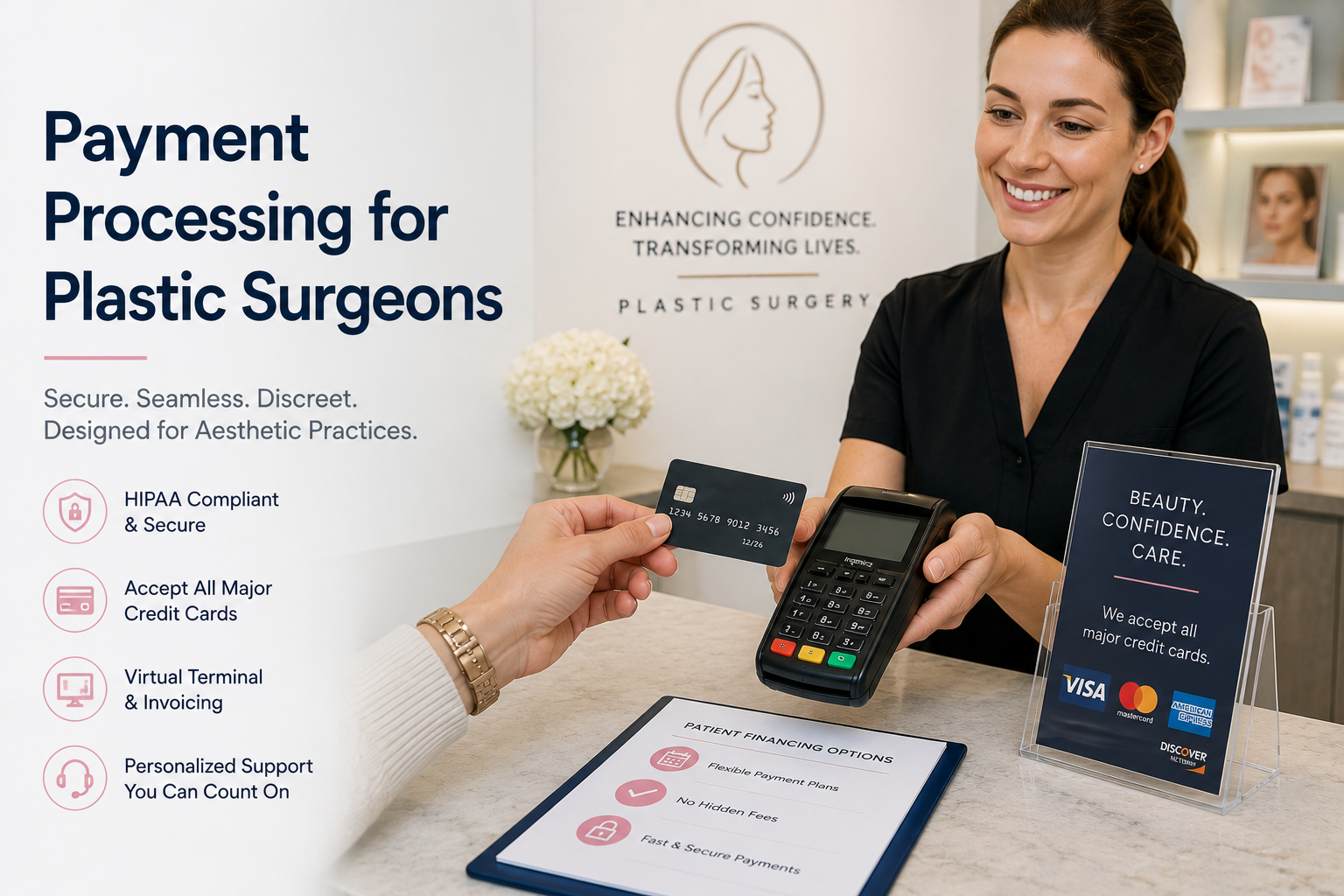
Not every healthcare setting works this way. Veterinary clinics and elective cosmetic practices collect in full at the time of service, closer to the retail pattern, but with transaction sizes retail rarely sees.
Transaction Patterns Look Nothing Alike
Retail transactions cluster. A shop has a fairly predictable average sale, and most transactions land near it.
Healthcare transactions scatter. The same practice might take a $30 copay, a $400 balance, and a $12,000 treatment plan in the same afternoon. That range has two consequences.
The first is cost. Percentage-based pricing was built for consistent, modest transactions. Applied to a large treatment case, the same percentage becomes a substantial sum for a service that costs the processor no more to perform.
The second is timing. Retail is paid once. Healthcare frequently charges the same patient repeatedly across weeks or months, through deposits, staged treatment payments, and payment arrangements. That requires securely stored payment credentials, which a basic retail terminal has no reason to offer.
What Happens to the Data
Both settings handle card data, and both are bound by PCI DSS, the card industry’s security standard. That part is shared.
Healthcare adds a second layer. A payment record tied to an identifiable patient and a specific practice can reveal something about that person’s care, which brings privacy obligations retail never has to think about. A shop’s transaction log says someone bought something. A clinic’s transaction log can imply who was treated and for what.
The practical result is that healthcare needs tighter control over who can see payment records, individual staff logins rather than a shared terminal password, and a strong preference for storing tokens instead of card numbers. None of that appears on a retail requirements list.
Where the Payment Actually Happens
Retail has a counter. Sometimes several, but they are all in the same place, and hardware sitting at each one makes sense.
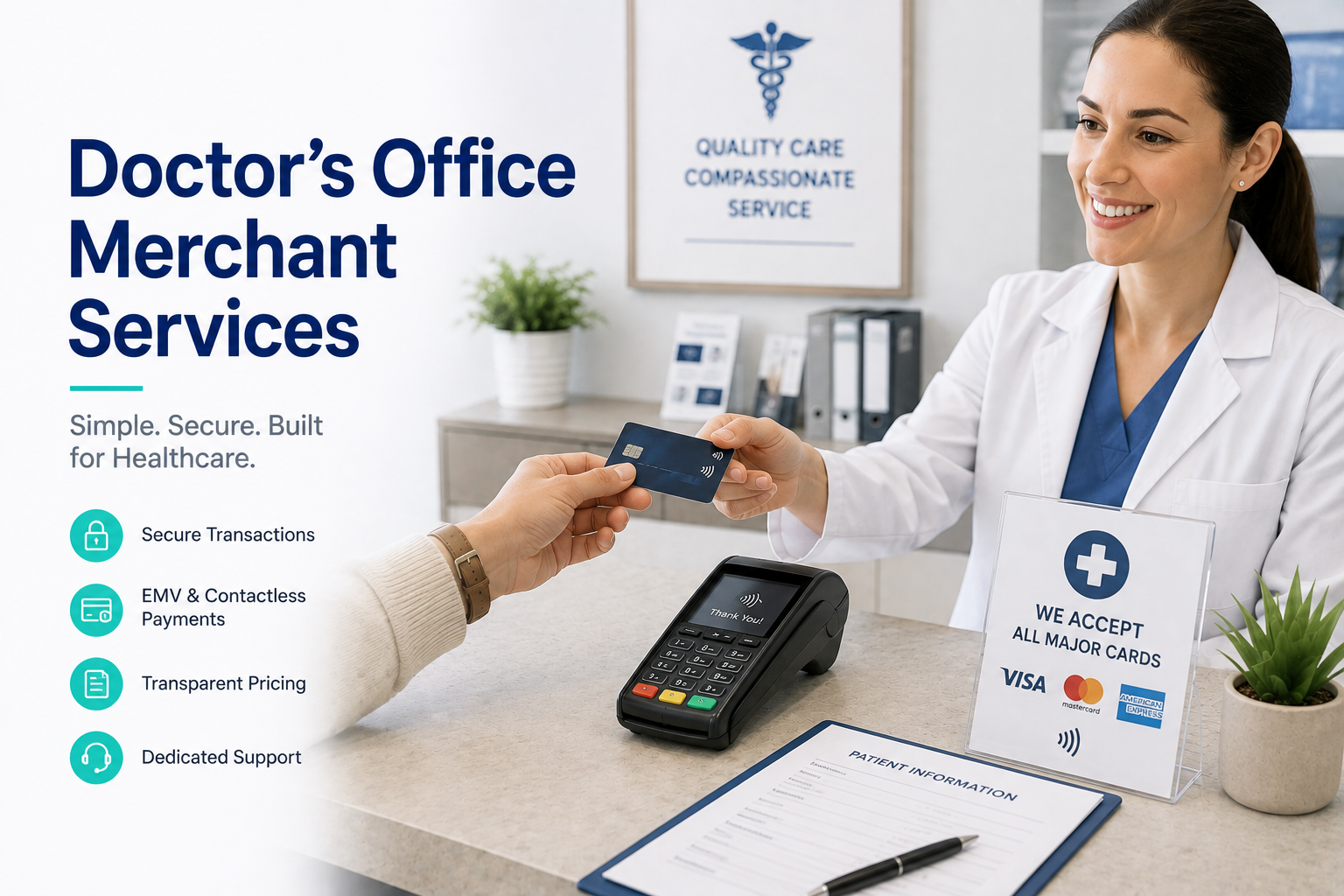
Healthcare payments happen at the front desk, over the phone during scheduling, from a billing office after a claim comes back, at a second location on the days a provider works there, and increasingly from the patient’s own phone after an emailed invoice. Curbside handoffs and after-hours emergency visits add more.
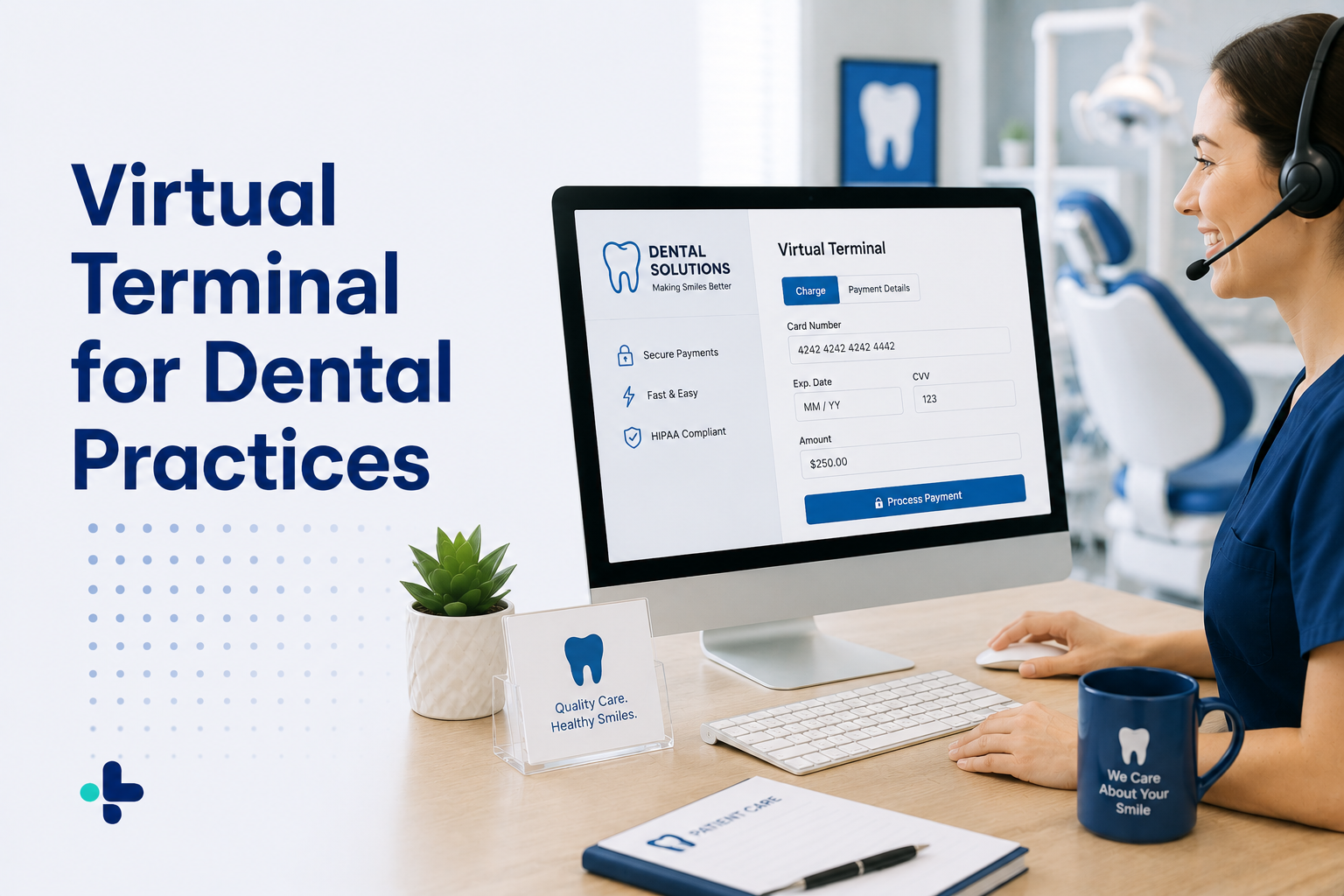
Tying payments to a physical device in one location forces staff into workarounds: numbers written down to be keyed in later, or patients told to call back when the right person is in. A web-based virtual terminal that works from any computer, tablet, or smartphone removes that constraint, which is why it matters far more in a practice than in a shop.
Why Retail-Built Systems Cost Practices More
Put those differences together and the cost problem becomes clear.
Percentage pricing does not fit the transaction range. It was designed for predictable small sales, and healthcare’s large cases get taxed heavily for no additional service.
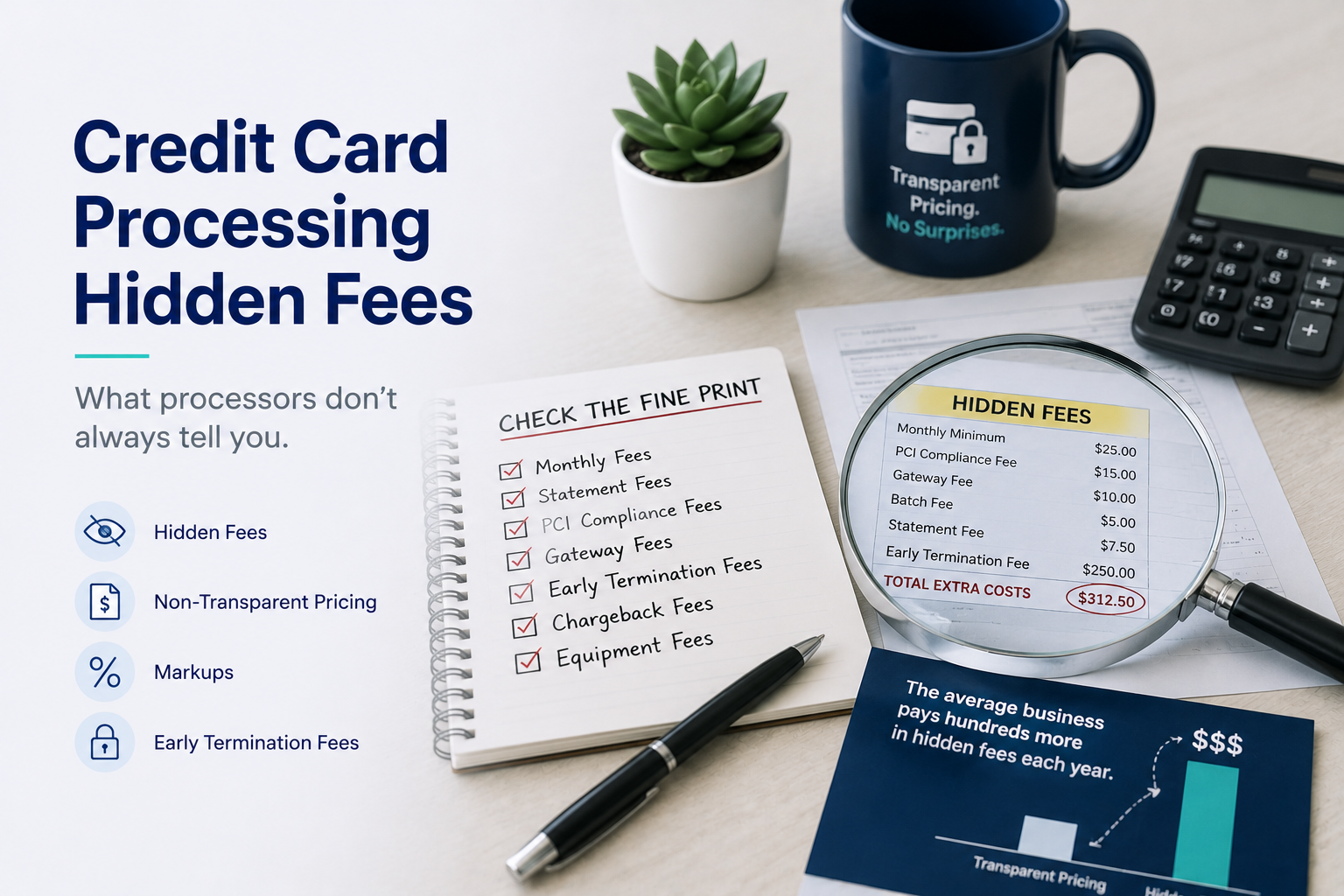
Monthly minimums punish uneven volume. Practices have quiet months. Retail-oriented pricing assumes steady throughput and charges a shortfall when it does not arrive.
Equipment is priced for a counter. Terminal leases assume a fixed point of sale, and practices end up paying for hardware at desks that barely use it, often under a separate non-cancellable agreement.
Missing capabilities get bought separately. Stored cards, invoicing, and online payments arrive as add-ons with their own monthly fees, because the base product never anticipated needing them.
Our guide to credit card processing for medical practices covers what this looks like on a real statement, and credit card processing for medical offices looks at the same question from an operations angle.
What to Take Into a Provider Conversation
You do not need a processor that markets itself to healthcare. You need one whose product answers the four differences above.
Ask how you collect from a patient who is not in the building. Ask how a card is stored between a deposit and a final payment. Ask whether every staff member gets their own login. Ask what the pricing does when a single transaction is unusually large, and what happens in a slow month.
A provider that handles practices routinely will answer all four without hesitation. One selling you a retail account with a healthcare page on its website will start explaining why those situations are unusual.
Processing Built Around How Practices Collect
The healthcare vs retail credit card processing question comes down to this: retail is one payment, one place, one moment. Healthcare is several payments, several channels, spread across weeks, attached to information that deserves care. A system that treats the two the same will always leave the practice doing the difference manually.
BlueYonder Corp works with medical, dental, and veterinary practices on flat monthly pricing, with a web-based virtual terminal, securely stored cards, no contracts, and no hidden fees. To talk through how your practice collects today, call 800-270-9285.